
Follow our simple IPTV setup guide and start streaming live TV, movies, and sports in minutes.
Setting up your IPTV subscription is quick and easy, even if you’ve never used IPTV before. Our IPTV service is designed to work seamlessly across all devices, including Smart TVs, Firestick, Android, iOS, and computers.
With just a few simple steps, you can connect, log in, and start enjoying your IPTV USA channels, movies, and sports without any complicated installation.
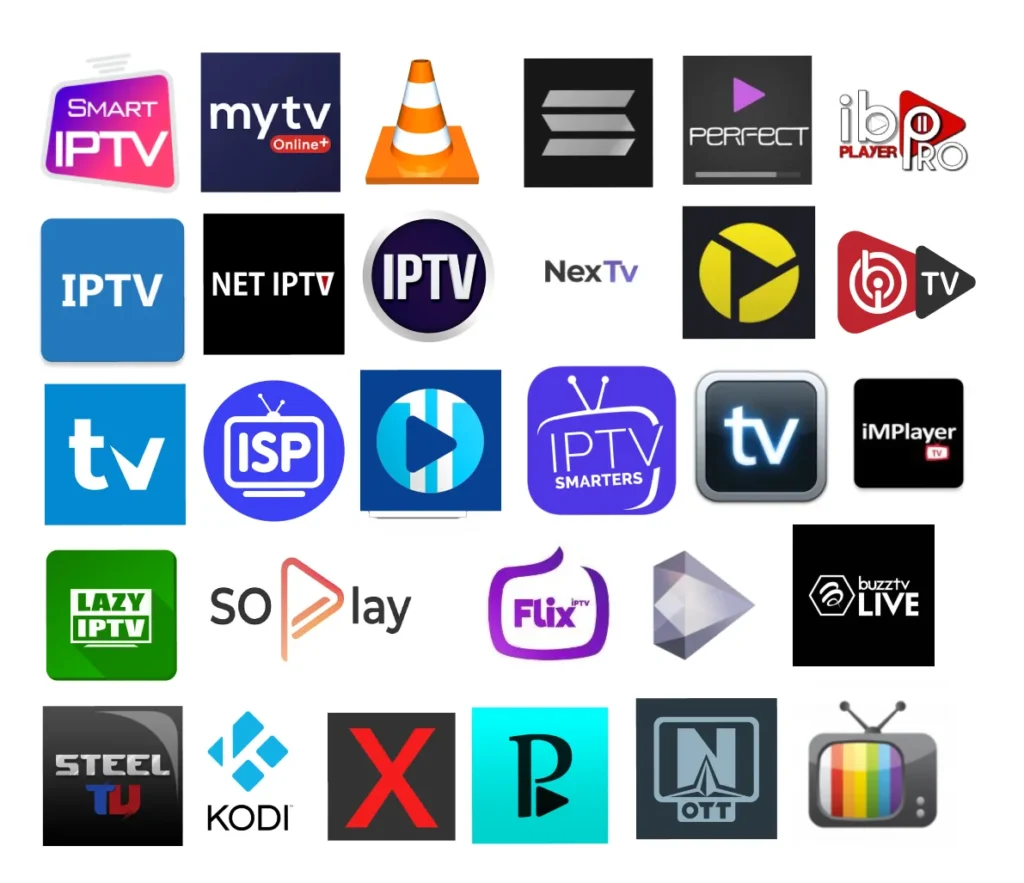













If you’re not familiar with IPTV, don’t worry! Follow the step-by-step instructions below to set up your IPTV USA subscription easily. After installing IBO Player Pro, you can contact us via email, and we’ll add your playlist automatically so you can start streaming live TV, movies, series, and VOD content across all devices without any hassle.
Choose your preferred IPTV subscription plan and complete your purchase securely. Once your order is confirmed, your access details will be prepared instantly.
You’ll receive your IPTV credentials, including an M3U link or Xtream Codes details such as username, password, and server URL.
Download a compatible IPTV app such as IPTV Smarters, TiviMate, Smart IPTV, or XCIPTV on your device.
Open the IPTV app and log in using your Xtream Codes or M3U playlist. Make sure all details are entered correctly.
Once connected, your channels and VOD content will load automatically. You can now enjoy your IPTV service on your favorite device.
Install Downloader, add your IPTV app, enter your login details, and start streaming.
Download an IPTV player from Google Play, log in with your credentials, and watch instantly.
Install an IPTV app from the App Store, add your playlist or login details, and start watching.
Use IPTV Smarters or Smart IPTV, enter your M3U or Xtream Codes, and enjoy IPTV on a big screen.
Check your internet speed, restart your router, or use a wired connection for better stability.
Double-check your username, password, and server URL before logging in again.
Refresh your playlist, restart the app, or reinstall your IPTV player if needed.
Buy your IPTV subscription today and follow this guide to start watching live TV, movies, and sports instantly.
Get IPTV Subscription
Enjoy the best IPTV USA subscription with access to live TV, sports, movies, series, and VOD content.
Copyright@ 2026 IPTV USA. All rights reserved